
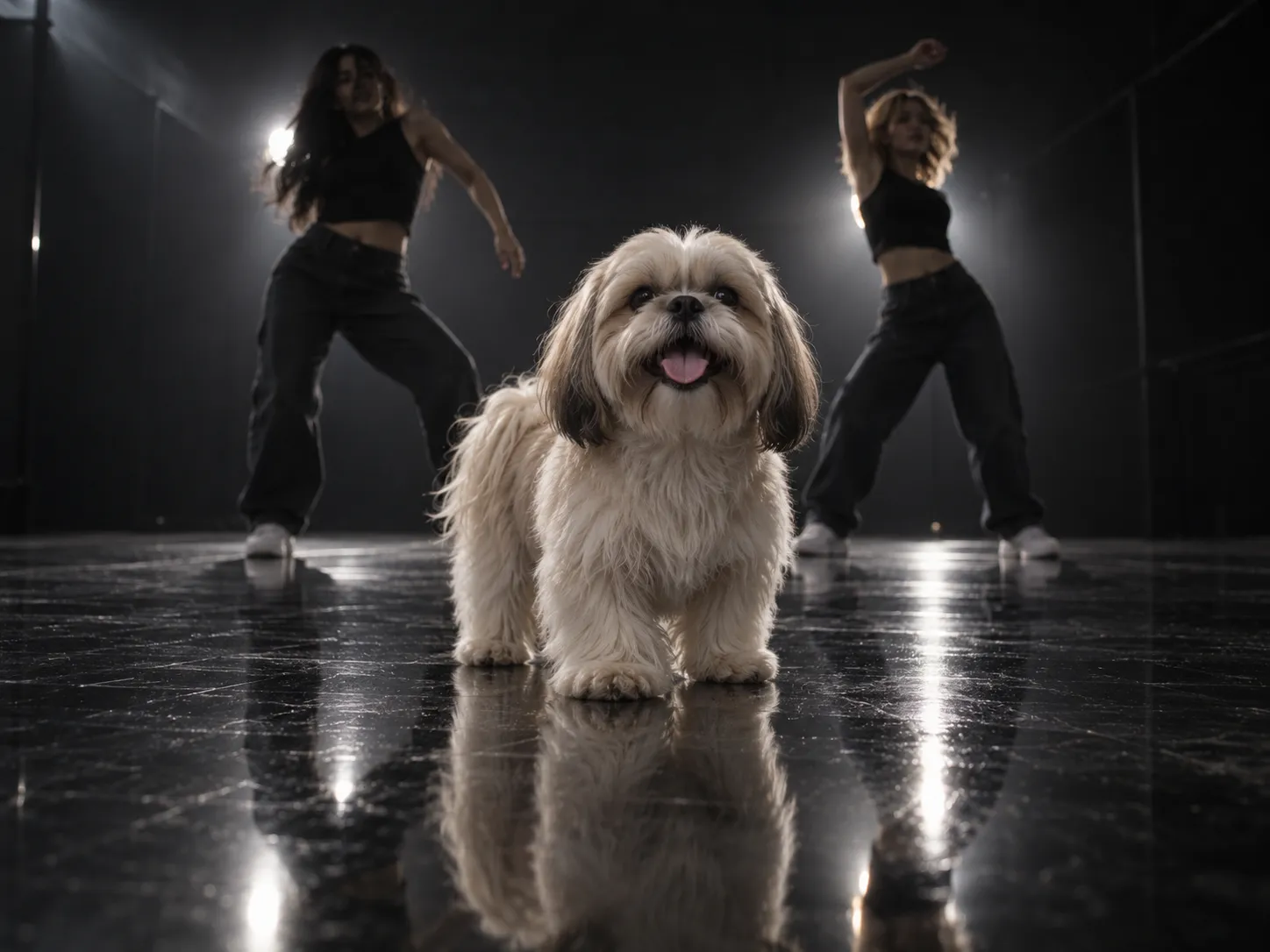
 Small dogs
Small paws, star power
Make a dancing dog AI video with a clear photo of your Shih Tzu, Maltese or Pomeranian. Floppy ears and fluffy fur bring their own personality.
One pet photo. Main character energy.
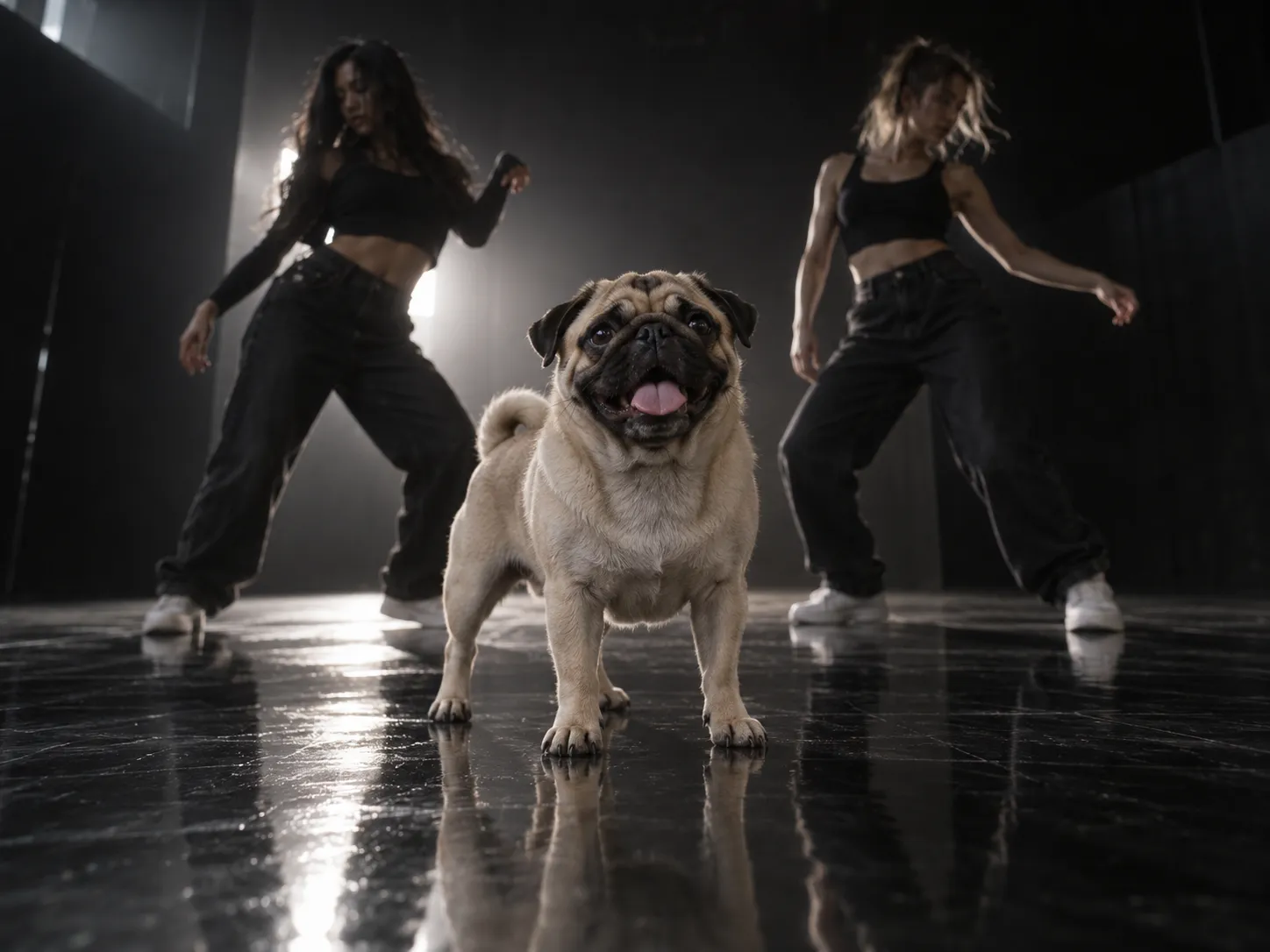
Your dog. Your cat. Their Single Ladies moment. Turn one photo into the head flips, two backup dancers and a whole lot of attitude.
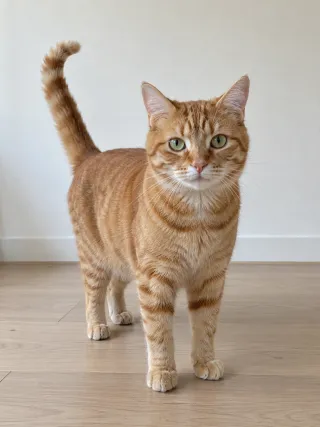
Uploaded photo
Made from this one photo
Preview starts muted. Turn on sound to hear the original song audio.
Looking for the Put a Ring on It dog template or a dancing cat AI video maker? Start with one photo. This pet dance AI generator creates the Single Ladies-inspired studio routine with two backup dancers, head flips and a built-in soundtrack. No app to install, dance tutorial to follow or prompt to write.
A small dog, a big dog, a very unimpressed cat. There is room for every personality. These are template illustrations; your AI video may look different.
Small dogsMake a dancing dog AI video with a clear photo of your Shih Tzu, Maltese or Pomeranian. Floppy ears and fluffy fur bring their own personality.
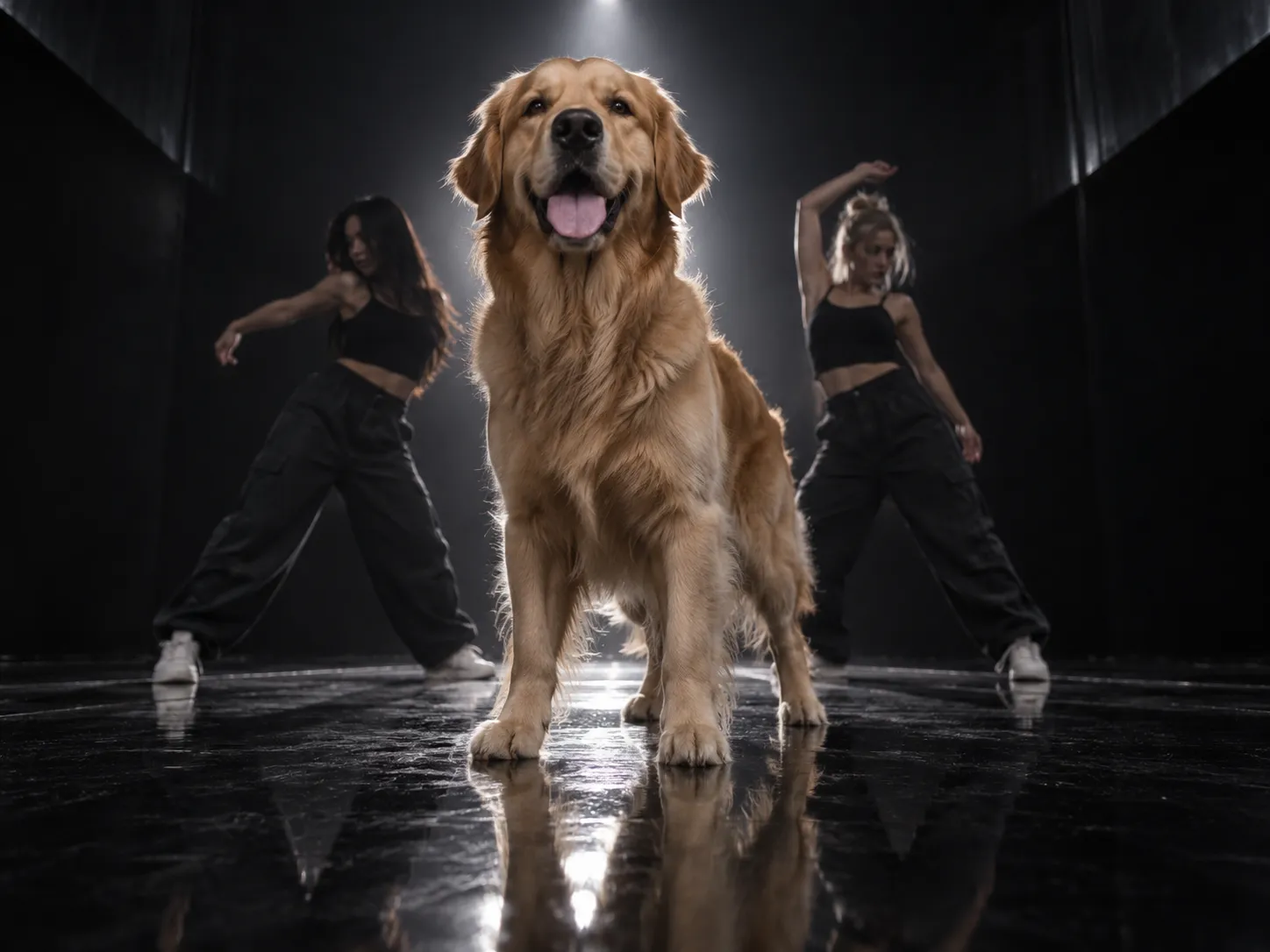 Big dogs
Try the Single Ladies big dog look with your retriever or husky. Show the full body in your photo so the AI has a clearer reference for size and build.
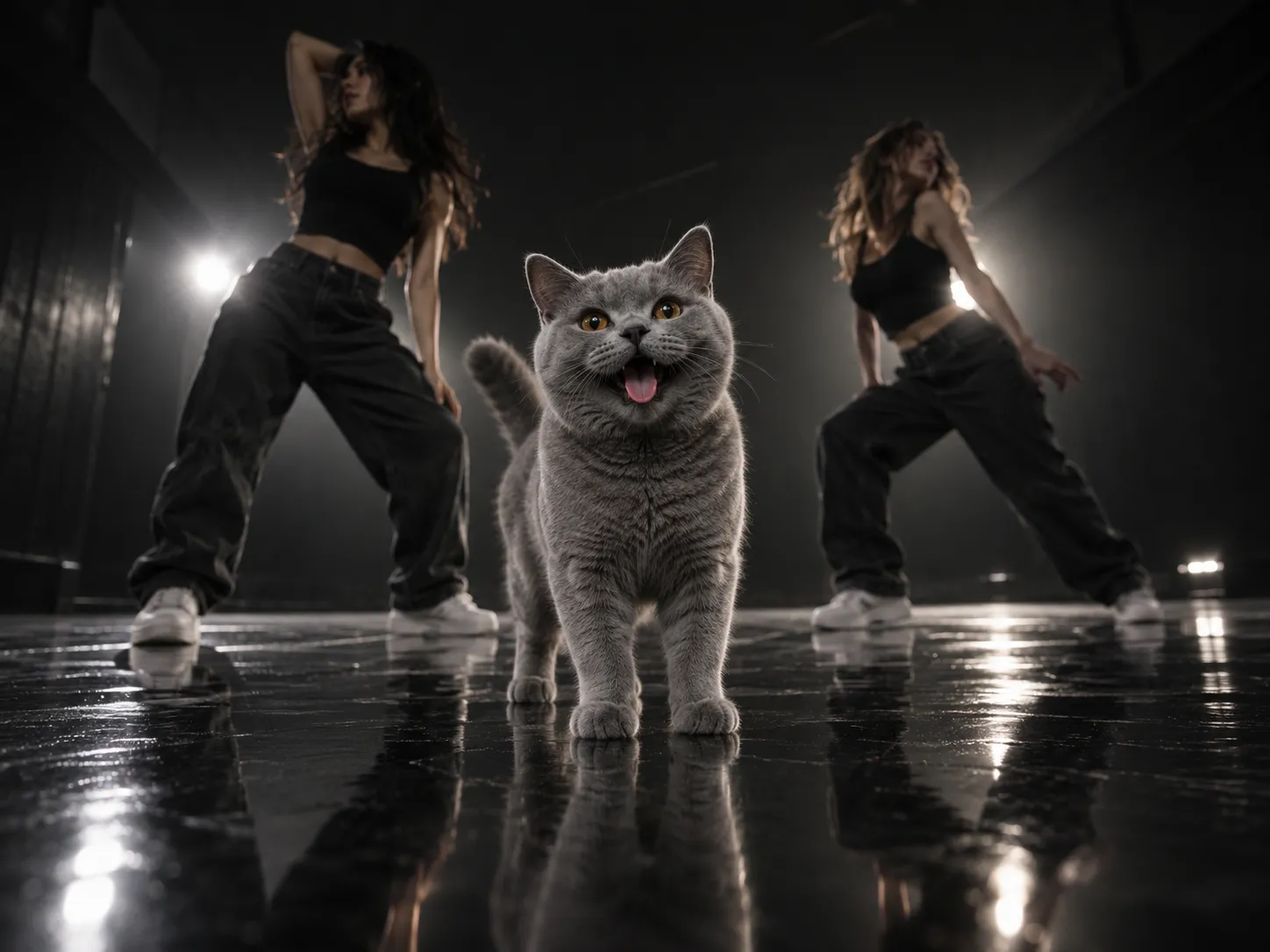 Cats
CatsYour dancing cat AI meme starts with one photo. Use the same Single Ladies pet template, with your cat’s face and markings guiding the result.
 Pet accounts
Download your pet dance MP4 for TikTok, Reels or YouTube Shorts, or send the funny moment to friends. Add your own caption in your favorite editor.
This Put a Ring on It template is ready in your browser. The studio, two dancers and motion reference are built in, so you can skip filming a dance tutorial.
One pet, facing the camera, well lit, with its whole body or at least head and chest in view. The clearer the photo, the more the dancing pet looks like yours.
Everything else is set for you: the model, the 19-second routine, the vertical 9:16 shot and the song. Pick 480p, 720p or 1080p — the credit cost is shown before you generate.
Preview your Single Ladies dog or cat video, then download the MP4. Add captions if you like and choose where to share your pet’s moment.
A photo-to-video template for the Single Ladies pet routine: one furry lead, two backup dancers, a dark studio and a soundtrack. Choose the pet; the generator handles the setup.
No video of your pet needed, and no tricks to teach. A single clear photo is the whole input.
The built-in motion reference guides the head flips, tilts and poses. You do not need to teach your dog a dance or record yourself performing it.
Your photo guides the face, coat and markings. Keep one pet clearly visible; AI-generated details and proportions can vary.
The two dancers behind your pet are created for your video, in the dark studio with the glossy black floor and the backlight.
Your downloaded MP4 includes the same original Single Ladies song audio heard in the Preview, matched to the 19-second clip. You do not need to add music or sync the track in an editor.
The template creates a 19-second, 9:16 MP4. Check your finished video and download it when the generation is complete.
Choose a one-time credit pack for your pet’s next dance. No subscription, no monthly commitment. Pick your video quality in the generator above.
Per video: 480p = 600 credits · 720p = 1500 credits · 1080p = 2500 credits. Each pack’s video counts show alternative ways to use its credits.
Your guide to the Put a Ring on It / Single Ladies pet trend, photo tips, downloads and credits.
It is a pet dance video with one dog or cat in the spotlight and two human backup dancers behind it. This generator turns a photo into a Single Ladies-inspired routine with head flips, tilts and poses in a dark studio. You can watch the sample above before creating your own.
Yes. Beyoncé’s song is titled “Single Ladies (Put a Ring on It).” That is why people use both names for the pet dance. This page is a photo-to-video tool for the pet version, rather than a lyrics page or the original music video.Watch the official Single Ladies music video
The clip you create here is AI-generated from your pet’s photo. Your dog or cat does not need to perform, stand upright or learn choreography. The reference routine guides the movement while the photo guides the pet’s appearance.
No. This is an independent AI pet dance tool inspired by the Single Ladies pet trend. It is not affiliated with Beyoncé, her record label or the television show.
Upload one clear dog photo, select 480p, 720p or 1080p, and sign in to generate with enough credits. The Put a Ring on It template supplies the scene, two dancers and motion. Preview the finished result and download the MP4.Make your pet’s video
Yes. Upload a photo of one cat to use the same Single Ladies pet template. A front-facing image with visible ears, face, chest and paws gives the model a clearer reference. The sample above was made from a cat photo; results vary by image.
Yes, you can try a large dog such as a retriever or husky. Choose a full-body photo with the legs and paws visible. The template uses your photo as a reference for size and proportions, but AI may still change the build or fur during motion.
You can use this pet dance AI generator directly in a browser on your phone or computer. No separate dancing dog AI app or dancing cat app is required. Uploading a photo does not start a paid generation; choose the quality and use the Generate button when you are ready.
No. The dance reference, studio scene and soundtrack are built into this generator. CapCut is optional afterward for captions, trims or other edits to your downloaded video.
Use a sharp, well-lit photo of one pet facing the camera, with its ears, face and as much of its body as possible visible. A full-body shot is especially helpful for a big dog. Avoid heavy filters, blurry faces, tight crops and objects covering the pet.
This template has one pet photo slot and is designed for one animal in the lead. Use a separate photo and generation for each pet. Group photos can make the AI mix up faces, bodies and markings.
No. The prompt and motion reference are already set up. You do not need to write a prompt, upload a dance video or learn the dance moves. This template makes the pet routine shown in the sample, rather than teaching the original human choreography.
Yes. Your downloaded MP4 includes the same original Single Ladies song audio used in the Preview, matched to the 19-second clip. The audio is added for you, rather than generated as a new vocal track. The Preview starts muted; turn on the player’s sound to listen. You do not need to add music yourself.
You can download the finished pet dance as a vertical MP4 video. Native GIF export is not included. If you want a dancing cat AI GIF or dog GIF, convert the downloaded MP4 in a separate editor; GIFs do not carry audio.
The template creates a 19-second, 9:16 vertical video in your selected resolution, with your pet in a dark studio and two backup dancers. Watch the Preview for the routine, scene and timing used by this template; your pet’s AI-generated details can vary. Generation time depends on the provider and queue. Follow progress in the generator and find the result in My Creations.
AI can change small details from frame to frame, especially during quick head flips or overlaps with the dancers. Try a sharper front-facing photo of one pet with fewer obstructions. Review the full result before sharing; another attempt can produce a different result but is not guaranteed to improve it.
The vertical MP4 format fits TikTok, Instagram Reels and YouTube Shorts. Download the video, then upload it through your chosen platform. The generator does not publish automatically; you can add captions or use the platform’s audio tools before posting.
The current Put a Ring on It template fixes the routine, dark studio, two dancers, vertical format and soundtrack. You choose the pet photo and output quality. For a trim, different audio or captions, edit the downloaded MP4 separately.
You can view the sample and prepare your pet photo without buying a pack. Creating a new video uses credits. Any promotional account credits depend on the current offer and may not cover a complete generation; the required amount appears before you start.
A 480p video uses 600 credits, a 720p video uses 1,500 credits, and a 1080p video uses 2,500 credits. The $9.90 pack includes 600 credits, enough for one 480p video. The default quality is 720p, so select 480p to use that pack for a video. Check your balance and the displayed cost before generating.Compare credit packs
The packs are one-time purchases: $9.90 for 600 credits, $19.90 for 1,200 credits, $29.90 for 2,500 credits and $69.90 for 7,000 credits. Credits do not expire and there is no subscription. The 600-credit pack covers one 480p video; 1,200 credits cover two 480p videos but do not cover a 720p video on their own. The 2,500-credit pack covers one 1080p video or four 480p videos. For more videos, the 7,000-credit pack has the lowest price per credit: it covers 11 videos at 480p, four at 720p or two at 1080p. These are alternative ways to spend the credits, not quantities you receive together.See homepage pricing
When a generation task is marked as failed, its consumed credits are returned to your account. A task still processing has not yet been marked as failed. If the balance or status does not update, contact support with the task details so it can be checked.
Your camera roll already has the star. Pick a photo and make a Single Ladies pet dance video worth sending to the group chat.